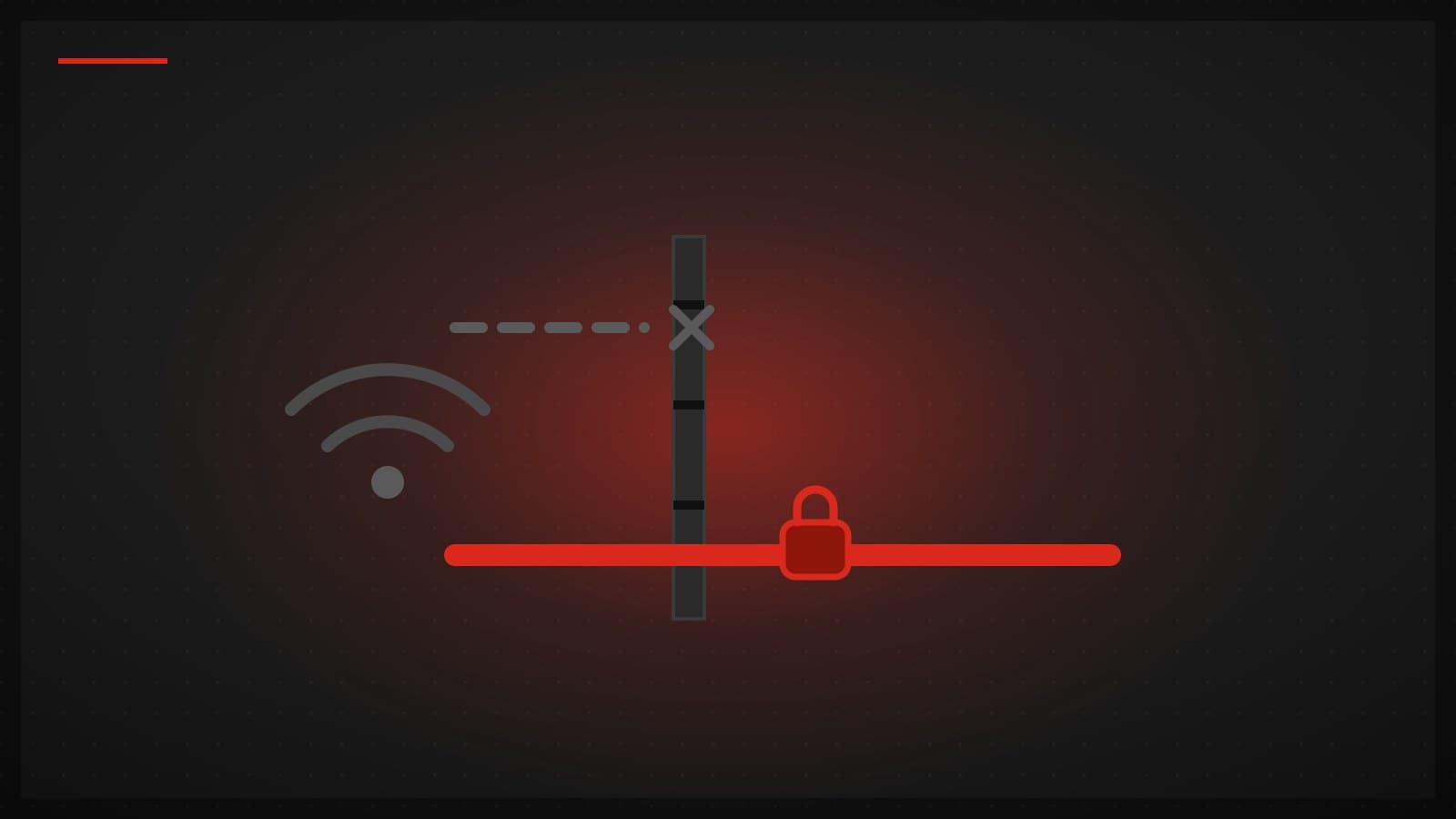
Your VPN works flawlessly at home, then you check into a hotel and it just spins. "Connecting." Forever. Nothing is broken — you've simply landed on the most VPN-hostile category of network there is, and a lot of VPN apps were never designed for it.
Three separate things go wrong on guest networks, and they stack. Here's what each one does, why single-protocol apps hang instead of failing, and what to check before your next trip.
The captive portal comes first

The login page that asks for your room number and a checkbox is a captive portal. Until you get through it, the network intercepts nearly everything your device sends — traffic goes nowhere except the portal itself. A VPN that starts before the portal is cleared has no path out, and because the network swallows its packets silently, many apps just sit there retrying rather than telling you what's wrong.
The fix is sequencing, not settings. Join the Wi-Fi, open a browser and load any page (a plain http:// address forces the portal to appear if it doesn't pop up on its own), finish the login — then connect the VPN. If the VPN was already trying, disconnect it and reconnect after the portal is done.
Guest networks quietly kill UDP
Once you're past the portal, the second problem is invisible. Many hotel, café, and office guest networks block or heavily throttle UDP traffic — a blunt but common way to control bandwidth and abuse. Web browsing feels fine, because HTTPS over TCP port 443 is the one thing every network must allow, so the connection looks healthy. But the fastest modern VPN protocols — WireGuard and QUIC-based designs like Hysteria2 — run on UDP, and UDP is exactly what gets dropped.
Corporate networks often add a third layer: deep packet inspection. DPI equipment fingerprints traffic by its shape — handshake patterns, packet sizes, timing — and can pick out VPN protocols even on ports the firewall allows. It's the same class of filtering national firewalls use, scaled down to an office.
Why "connecting…" never ends on a WireGuard-only app
WireGuard runs exclusively over UDP; the protocol has no TCP mode. On a network that drops UDP, a WireGuard handshake packet leaves your device and vanishes. No reply ever comes back — and crucially, no error either, because dropped UDP looks exactly like a slow server. So the app retries, and retries, and the interface says "connecting" until you give up.
That isn't a bug in any particular app. WireGuard itself is an excellent protocol — small, fast, modern cryptography. It's a product decision: an app built on one UDP-only protocol has no move left when UDP dies.
The way out is the door every network leaves open
TCP port 443 is where HTTPS lives, and no guest network can block it without breaking the web for every guest. A VPN protocol that runs over TCP 443 keeps working where only UDP is blocked. VLESS+Reality runs over TCP 443 and its traffic looks like ordinary HTTPS; that describes the protocol, and we make no claim about networks that use DPI to block VPNs.
The other half is that the fallback should be automatic. TUKTUKVPN's app treats this as a ladder: it prefers the fast UDP protocols when the network permits them, and when UDP probes go unanswered it falls back to VLESS+Reality over TCP 443 on its own — no protocol menu, no forum thread. Whichever VPN you use, "can it fall back to TCP 443 by itself?" is the question to ask before you travel.
A traveler's checklist
Clear the captive portal before starting the VPN: join the network, log in through a browser, then connect. If the VPN was already retrying, toggle it off and on.
If the tunnel hangs at "connecting", suspect UDP before anything else. Don't reinstall the app — switch to a protocol that runs over TCP 443, or use an app that falls back automatically.
Check your VPN's protocol list before the trip, not during it. If it only offers WireGuard or another UDP-only protocol, hotel Wi-Fi will eventually strand you.
Use mobile data as a diagnostic. If the VPN connects instantly on 4G/5G but not on the Wi-Fi, the network is the problem, and no app setting will fix its firewall.
And treat the network as untrusted either way. An encrypted tunnel protects your traffic on hostile Wi-Fi, but the basics still apply: keep your devices updated, and be wary of portals that demand more personal information than they plausibly need.