Open TUKTUKVPN and the first thing in the picker isn't a city — it's Smart Connect. Pick it and the app decides which server and which protocol you use, and keeps deciding as conditions change. "The app decides" is the kind of phrase that deserves scrutiny from anyone who cares about privacy, so this post explains exactly how the decision gets made — and where.
The short version: it's a race, run on your phone. The longer version is about what gets measured, when the app is allowed to change its mind, and why the whole race runs on your device.
Every server × protocol pair is a candidate
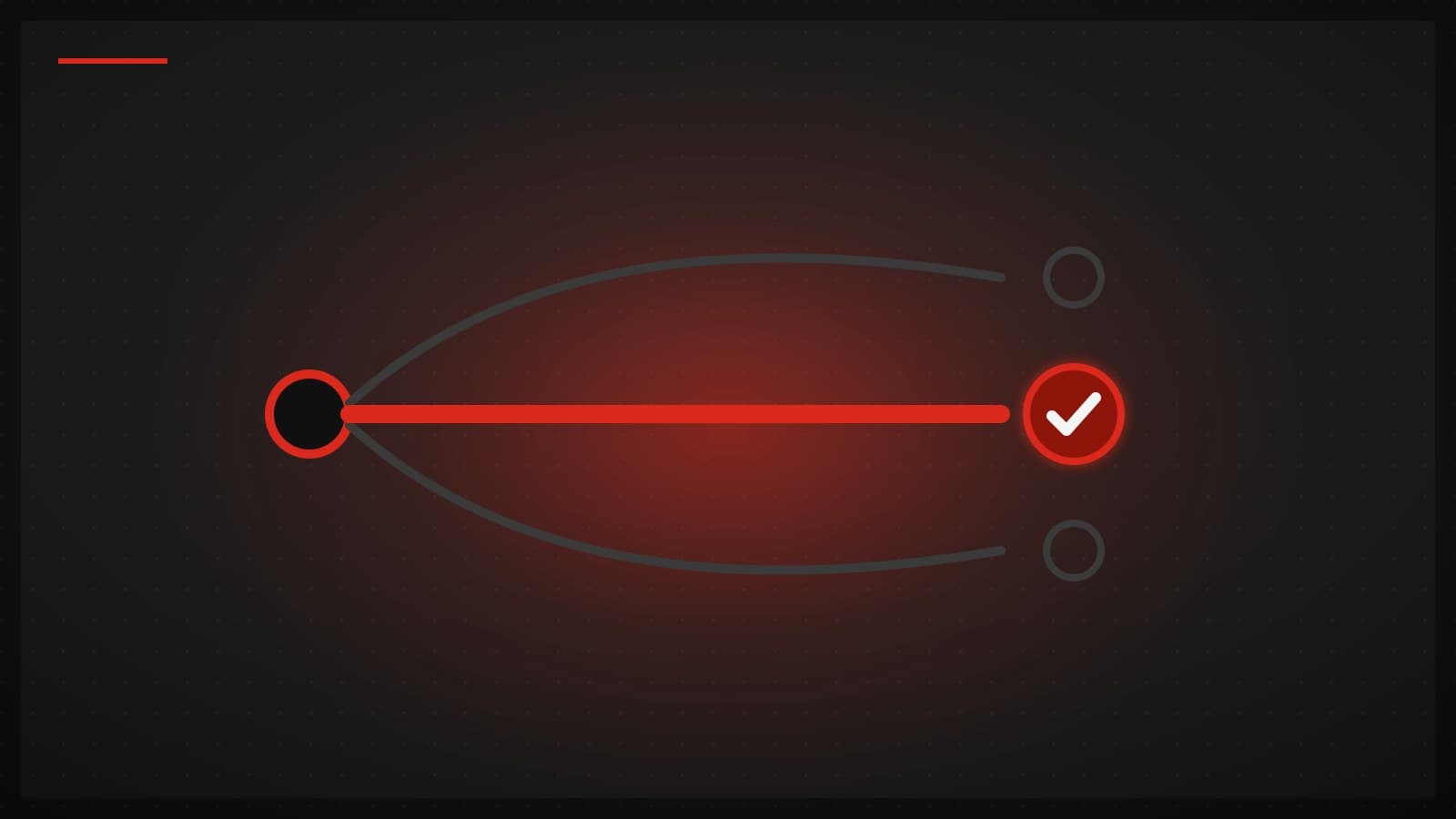
Smart Connect doesn't pick a server; it picks a route, and a route is a server paired with a protocol. Singapore over Hysteria2 is one candidate, Singapore over VLESS+Reality is another, Tokyo over WireGuard a third. The same machine can be quick over one protocol and mediocre over another, so every pair competes on its own.
The app gathers every candidate your plan includes into a test group and probes each one with a tiny request through the tunnel — enough to prove the route works end to end and to time how fast it answers. The quickest candidate becomes your connection, and the probes keep running quietly in the background so a route that starts degrading gets caught and replaced.
The fallback is built into the race
Our fastest protocols, Hysteria2 and WireGuard, run over UDP — and plenty of networks silently drop or throttle UDP. Hotel Wi-Fi and office guest networks are the classic offenders, and an app locked to a UDP protocol just spins forever on them.
Smart Connect doesn't need special fallback code for this, because the race handles it: on a UDP-blocking network, the UDP candidates simply stop answering probes, so they lose — and the VLESS+Reality candidates, which run over TCP on port 443 and look like ordinary HTTPS, win by default. There's no "could not connect" screen and nothing to configure. You come out the other side on a route that works.
Switching without flapping
The naive version of "always use the fastest" is a disaster: two servers trade the lead by a few milliseconds, the app reconnects every probe cycle, and the connection is never stable long enough to use. Smart Connect applies two rules to stay calm.
First, hysteresis: a challenger doesn't win by being marginally faster — it has to beat the current route by a set tolerance before the app will switch, so small, noisy differences are ignored. Second, sticky sessions: when a better route does take over, it applies to new connections, while whatever you already had open keeps running on the old route instead of being cut mid-transfer. A switch should be something you never notice.
Modes change what "fastest" means
The route that's best for a movie is not automatically best for a ranked match, because "best" isn't one thing. Alongside plain Smart Connect, the picker has three mode groups that change how the race is scored.
Streaming probes against a real streaming endpoint instead of a generic connectivity target, so winning means being fast at reaching video services, not just fast at reaching the internet. Gaming probes more often — a degrading route gets noticed quickly — but demands a bigger winning margin before switching, because a mid-match reconnect costs far more than a slightly slower route. Privacy shrinks the candidate list to TCP protocols such as VLESS+Reality, whose traffic looks like ordinary HTTPS, deliberately trading some speed for that.
The decision happens on your device

Now the part we consider the actual feature. Every probe, every score, and the choice itself happens on your device. Our side of Smart Connect is publishing a catalog — which locations exist, which protocols each one speaks, how loaded they are — and the client takes it from there: your device sends the probes, scores the answers, and makes the call.
That's an architecture decision, not a detail. A selector that picks your route on a server would need the measurements from every network you use sent to it before it could choose. Ours needs only the catalog, because the measuring and the deciding both run on your device. Every probe runs through a connection to one of our servers, and so does the route your device picks — and those connections are part of the connection metadata Thai law (the Computer-Related Crime Act, section 26) requires us to retain for 90 days. The rest of what we keep, we state plainly: your account, how much data you have used against your plan, and your devices. The full list is in our Privacy Policy.
Why we don't call it AI
You may have noticed a word missing from this post: AI. That's deliberate. Smart Connect is measurement plus decision logic — probe, compare, apply a threshold, switch. Dressing that up as artificial intelligence would be marketing, and for a privacy product it would be worse than marketing, because "AI-powered" immediately raises the question of what data the system is being fed. Our answer is boring on purpose: there's no model, just measurements your phone takes and a threshold it applies.
If you want to see what it picks on your networks, every plan includes Smart Connect, all three protocol families, and every mode — and your first purchase carries a 30-day money-back guarantee.